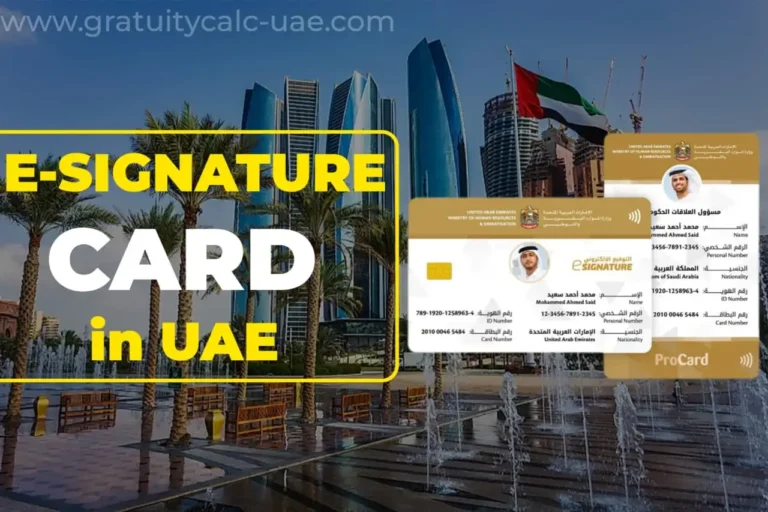
UAE Pass App – Complete Guide for New Employees

What is the UAE Pass app & How to Use this?
The UAE Pass App is a mobile application launched by the Government of the United Arab Emirates. Through this app, residents and employees working in the country can easily access their important documents such as the Emirates ID card, UAE Labour Card, Employment Contract, Visa copy, and Driving License.
This app also allows users to renew their SIM cards and driving licenses. By using the UAE Pass login, you can also access other applications such as the MOHRE app, Federal Authority for Identity and Citizenship, TAMM, and Lulu app.
How to Download the UAE Pass App
For Android users:
For iPhone/iOS users:
Account Creation Process
After downloading, make sure that your phone’s location is turned on.
Then, open the app and select your preferred language (English or Arabic).
Tap on “Create Account.”
Scroll down to the bottom of the Terms and Conditions, turn on the toggle, and accept them.
You will now see two options:
- Citizen & Resident
- Visitor
Select the first option (Citizen & Resident).


Identity and Contact Details
When asked to scan your Emirates ID, tap Skip.
Next, enter your full name (first and last name).
Then provide your UAE mobile number and email ID.
A 6-digit OTP will be sent to your mobile number — enter it in the app.
Another 6-digit OTP will be sent to your email — enter that as well.


PIN and Face Verification
Now, create a 4-digit PIN (make sure it’s easy to remember).
Enter it twice and confirm.You’ll then be asked to complete facial recognition.
Choose Citizen & Resident again.
The back camera will open — scan your Emirates ID card, and once your card information appears on the screen, confirm it.
Next, the front camera will open for facial biometric verification.
Align your face inside the red circle until the color turns green, which means your face has been successfully verified.


Password Creation
After verification, create your password following the app’s requirements (e.g. including symbols like – + # @, or a mix like Name123).
Enter it in both fields and tap Send.
Once completed, your verified account dashboard will appear.


Uploading Documents
Now, you can upload your Emirates ID, Labour Card, Employment Contract, and Residence Visa copy to the app.
To do this:


(Important: Upload them one by one, not all at once.)
Congratulations!
Your UAE Pass App is now completely set up and ready to use.
FAQs
Is UAE Pass free to use?
Yes, downloading and using the UAE Pass app is free for all UAE residents and citizens.
Can I use UAE Pass without an Emirates ID?
No, a valid Emirates ID is required to register and verify your identity on UAE Pass.
What can I do with UAE Pass besides signing documents?
You can access government services across MOHRE, ICP, GDRFA and other entities, verify your identity for banking and telecom services, and use it as a single sign-on for most UAE government apps.
Is UAE Pass the same as an e-Signature Card?
They are related but different. UAE Pass is your digital identity and login system, while the e-Signature Card is specifically for legally signing documents electronically.